Introduction
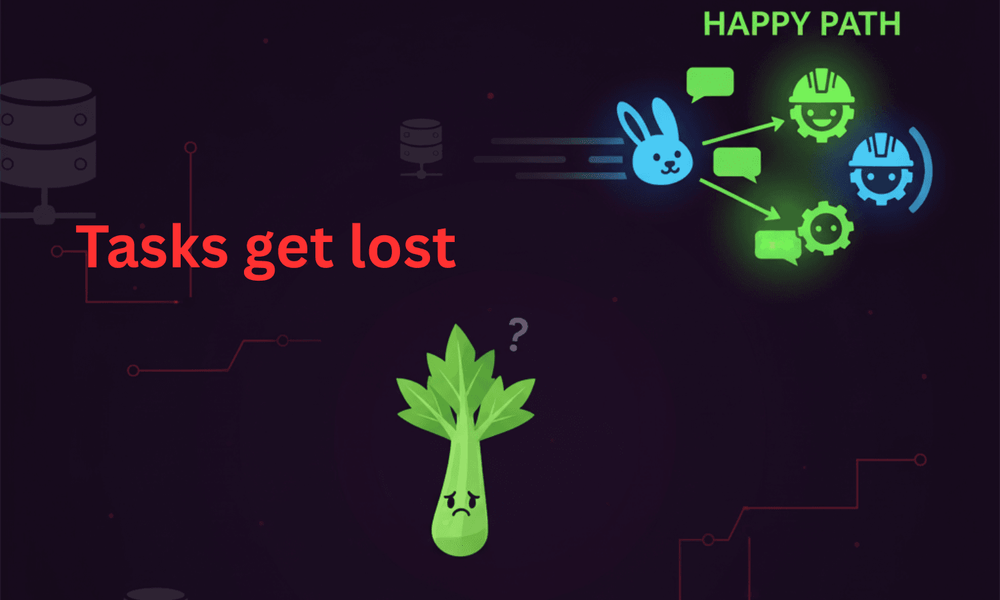
Every Django developer has faced it: you call task.delay() with confidence… and nothing happens. No error, no log, no result - just silence. It’s as if your task was swallowed by a black hole.
Meet the “Ghost Task,” a sneaky bug that drifts into the void when Celery isn’t set up or monitored correctly.
The Scene: A Missing Task
A developer schedules an email notification with send_email_task.delay(user.id). Everything looks fine. But the user never receives the email. Logs show nothing. Monitoring is calm. The Ghost Task has struck.
Common Causes of “Ghost Tasks” 👻
-
Worker Not Running
-
Celery workers aren’t started (celery -A project worker -l info).
-
The task is queued, but nobody is listening.
-
-
Broker Misconfiguration
-
Wrong CELERY_BROKER_URL.
-
-
Task Import Issues
-
Celery never discovers the task (wrong app configuration)
-
Missing @shared_task decorator.
-
-
Result Backend Missing
-
The task actually runs, but you can’t see the result because no backend is set.
-
Debugging the Ghost
-
Check workers: ps aux | grep celery
-
Inspect queues: celery -A project inspect active
-
Monitor broker: Redis CLI (redis-cli monitor) or RabbitMQ dashboard.
-
Enable logging: Run Celery with -l debug to see task flow.
The Fix
# settings.pyCELERY_BROKER_URL = "redis://localhost:6379/0"
CELERY_RESULT_BACKEND = "redis://localhost:6379/0"
# tasks.py
from celery import shared_task
@shared_task
def send_email_task(user_id):
print(f"Sending email to user {user_id}")
Always:
-
Start workers before testing
-
Confirm broker is live
-
Add monitoring (Flower, Sentry, or Prometheus)
Lesson Learned
Celery’s silence is deceptive. A missing worker or misconfigured broker can swallow your tasks without warning. Always monitor your queues, validate your setup, and add retries.